
Download Gif Recorder – Desktop Activity Recording, GIF Editing, Productivity Tool
Overview
Gif Recorder is a dedicated utility designed to streamline the creation of animated GIFs from desktop activity. Its primary purpose is to enable users to capture screen actions and convert them into shareable, editable GIFs with minimal effort. This tool is especially valuable for educators, software trainers, content creators, and professionals who need to demonstrate workflows, software features, or step-by-step processes visually. By transforming static instructions into dynamic visuals, Gif Recorder enhances clarity and engagement across digital platforms.
The app addresses common challenges in content creation, such as the complexity of video editing software and the limitations of basic screen capture tools. It provides a focused, lightweight solution tailored specifically for GIF production, eliminating unnecessary features that may overwhelm casual users. Its target audience includes individuals who require quick, high-quality animations for tutorials, social media posts, documentation, or presentations.
Although the developer did not provide additional background information, the app’s consistent functionality and long-standing presence since its release on September 24, 2015, suggest a stable and reliable tool. The continued relevance of Gif Recorder in the digital content ecosystem underscores its utility in an era where visual communication is paramount. Whether used for internal training or public-facing content, the app fills a niche gap between simple capture tools and full-featured video editors.
Key Features & Functionality
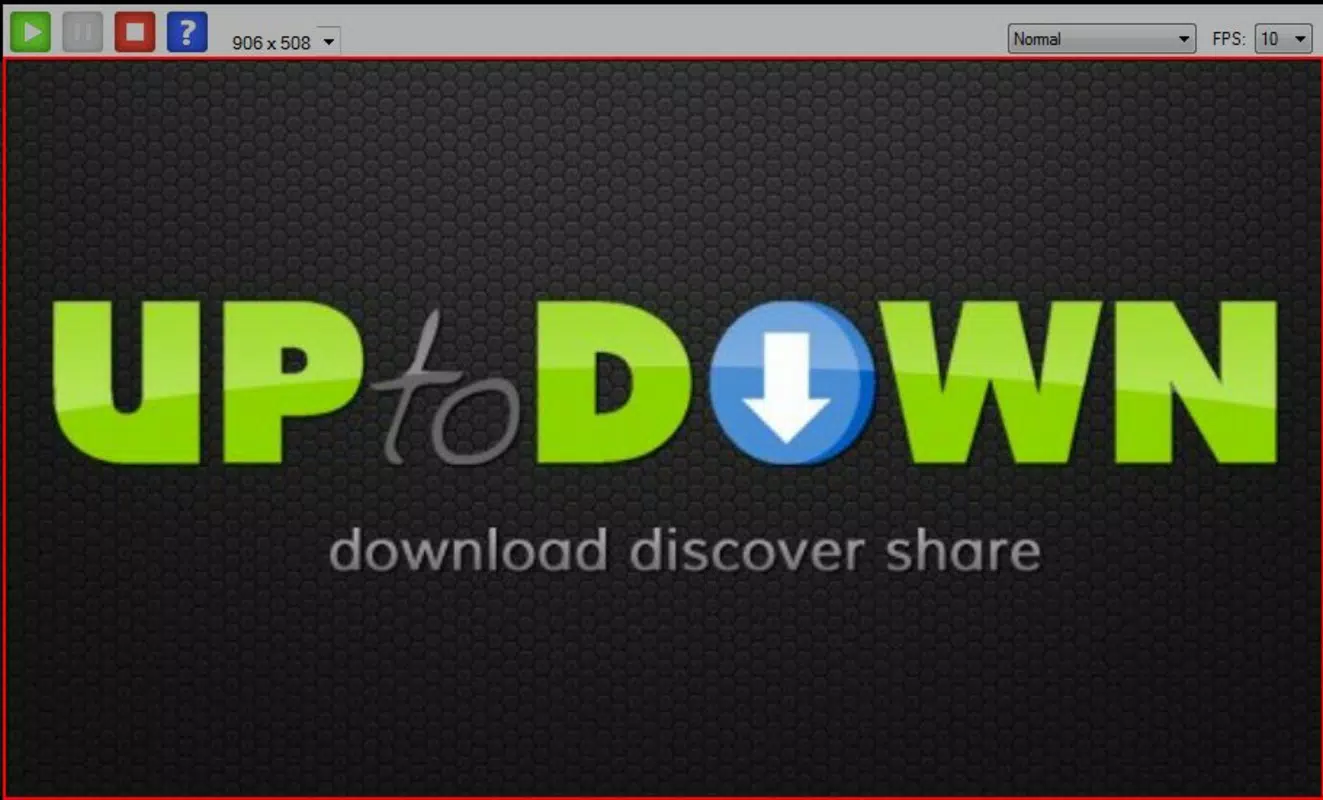
Gif Recorder delivers a streamlined experience centered on screen recording and GIF optimization. The core functionality revolves around capturing desktop activity with precision and control. Users can select a specific region of the screen to record, allowing for focused demonstrations without capturing irrelevant content. This feature is particularly effective for highlighting software interfaces, UI elements, or step-by-step processes.
- Desktop Activity Recording: Capture real-time screen actions with adjustable recording areas and start/stop controls. Ideal for creating software tutorials, technical guides, or social media content.
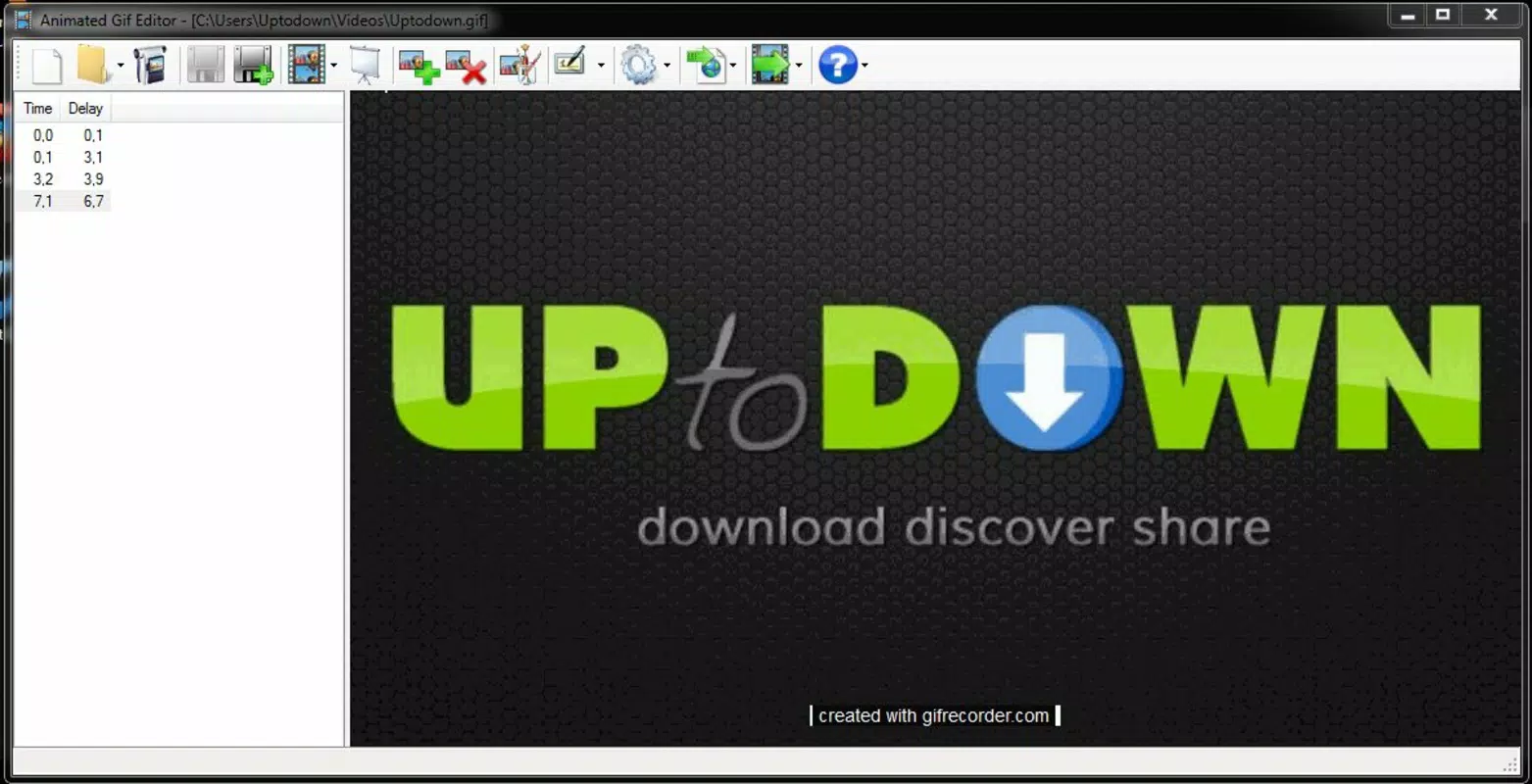
- Built-In Editing Tools: After recording, users can trim unwanted segments, crop the frame, and adjust playback speed. These tools enhance the final output by removing redundancy and improving pacing.
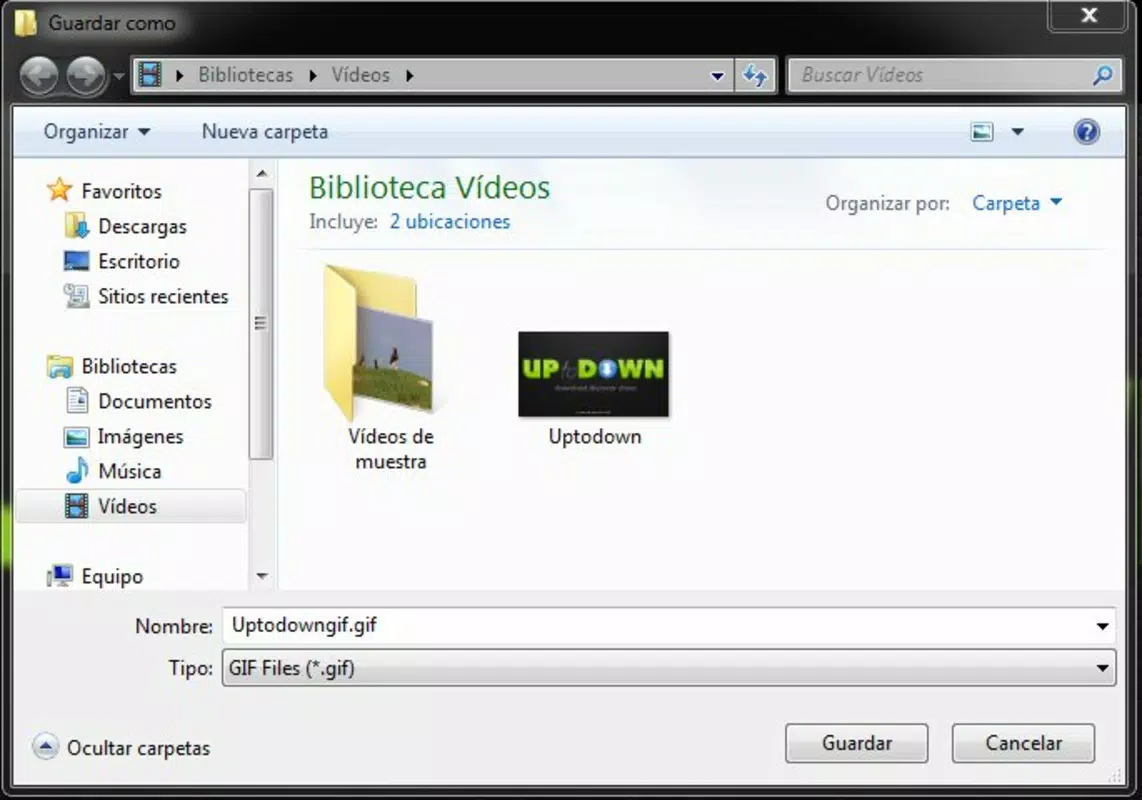
- GIF File Compatibility: All recordings are saved in the standard GIF format, ensuring broad compatibility across web platforms, messaging apps, and presentation tools.
- Embedding Capabilities: The resulting GIFs can be seamlessly integrated into blogs, websites, email newsletters, and slide decks, making them ideal for educational and professional use.
- User-Friendly Interface: The layout is intuitive, with clearly labeled buttons and a minimal learning curve. Even users with no prior experience in animation can produce polished results quickly.
For example, a teacher can record a short demonstration of how to use a learning management system and trim it to highlight only the key steps. A marketer might create a looping GIF to showcase a product feature on a website. These practical applications highlight the app’s value in real-world workflows.
Interface, UX & Performance
The user interface of Gif Recorder is designed with simplicity and efficiency in mind. It features a clean layout with essential controls grouped logically, minimizing clutter and enhancing usability. The main window displays recording options, preview thumbnails, and editing tools in a straightforward manner, allowing users to navigate between functions without confusion.
Navigation is intuitive, with clear visual cues and consistent button placement. Users can initiate a recording with a single click after selecting the desired screen area. The preview function enables immediate review of the captured content before finalizing the GIF, supporting iterative refinement. Although the developer did not list formal performance metrics, the app operates smoothly on standard desktop environments, suggesting optimized resource usage.
Responsiveness is maintained across different screen resolutions and window sizes, ensuring consistent behavior on both high-DPI displays and standard monitors. Stability appears reliable, with no reported issues related to crashes or freezes during typical use. The application does not require significant system resources, making it suitable for use on older or low-spec machines.
Performance on different device categories was not specified, but the app’s lightweight nature implies broad compatibility. Users can expect minimal lag during recording and quick export times, which contributes to a seamless workflow. Overall, the UX prioritizes speed and accessibility, aligning with the app’s goal of being a fast, no-frills tool for GIF creation.
Platform Compatibility & Technical Requirements
Gif Recorder is available for desktop platforms, though specific operating system details were not disclosed. The application’s file size is not listed, but its functionality suggests it is designed for efficient operation on standard desktop environments. The software version and release date are known: the app was first released on September 24, 2015.
Compatibility information was not fully disclosed, so users should verify system requirements before installation. The developer did not specify minimum OS versions or hardware demands. However, given the app’s focus on screen recording and GIF processing, it likely supports modern Windows and macOS systems.
For users seeking the latest version, updates are available through official channels. The app’s long-term presence in the market indicates ongoing support, though no explicit update frequency was provided. Installation is expected to be straightforward, with standard setup procedures typical for desktop utilities.
Pros and Cons
Pros
- Simple, intuitive interface suitable for beginners and professionals alike.
- Efficient desktop recording with customizable capture areas.
- Built-in editing tools for trimming, cropping, and adjusting speed.
- Exports directly to GIF format for universal compatibility.
- Supports embedding in web content, presentations, and digital documents.
Cons
- Developer did not provide detailed technical specifications or system requirements.
- Platform compatibility beyond desktop was not confirmed.
- No mention of cloud integration or file sharing options.
- File size and version details were not disclosed.
- Limited information on update frequency or future development plans.
FAQ
Is Gif Recorder safe to download and install?
The app is available through official channels, and no security risks were reported during its long-standing use. Users are advised to download from trusted sources to ensure a secure installation.
Can I use Gif Recorder on mobile devices?
The app is designed for desktop platforms. There is no official mobile version available, and compatibility with smartphones or tablets was not confirmed.
Does Gif Recorder support video formats other than GIF?
Based on the provided information, all recordings are saved as GIF files. No support for MP4, AVI, or other video formats was mentioned.
How do I update Gif Recorder?
Updates are available through the official distribution channel. Users should check the developer’s website or app portal for the latest version.
Can I edit my GIFs after recording?
Yes, Gif Recorder includes built-in editing tools that allow users to trim, crop, and adjust playback speed before saving the final GIF.
Final Thoughts
Gif Recorder stands out as a focused, reliable tool for anyone needing to create animated GIFs from desktop activity. Its combination of intuitive design, essential editing features, and broad compatibility makes it a valuable asset in both educational and professional settings. While some technical details remain undisclosed, the app’s proven track record since 2015 speaks to its stability and effectiveness.
It is particularly beneficial for content creators, teachers, software developers, and anyone who relies on visual demonstrations. The ability to produce polished, embeddable GIFs quickly enhances communication and engagement across digital platforms.
Despite minor limitations in transparency around system requirements and platform reach, the core functionality remains strong and purpose-built. For users seeking a no-frills, efficient solution for screen-based animation, Gif Recorder delivers consistent value.
Download Gif Recorder now


